
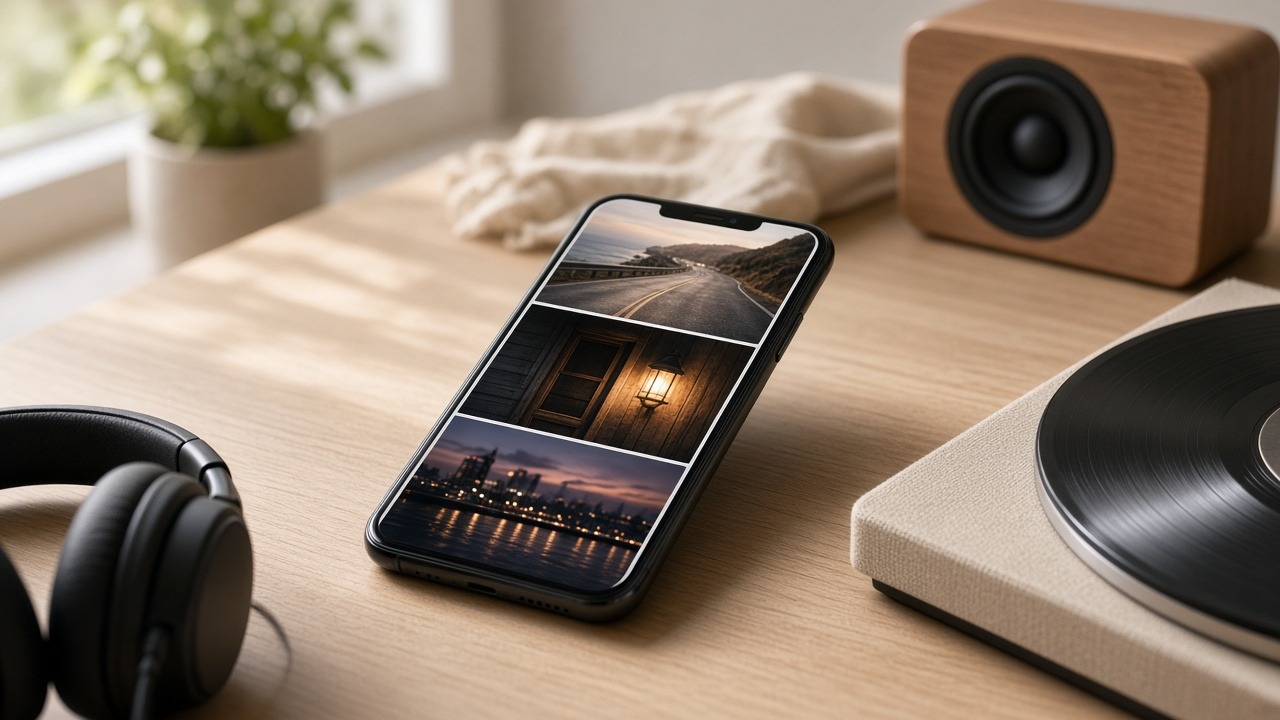
You can give a song a visual life on TikTok without filming a performance or making your face the hook. A photo slideshow can tell a small story, share a feeling, or offer a list someone wants to save. Your track becomes the soundtrack to that idea—not a lyric karaoke video.
The hard part is finding more than one good idea for the same song. Here is a practical way to turn a release into several distinct posts.
What is a music slideshow on TikTok?
A music slideshow on TikTok is a Photo Mode post: still images you swipe through while one track plays as the continuous bed. Places, objects, artwork, text overlays, and cleared artist photos can carry the story so you never need to film yourself—your song deepens a feeling the viewer already recognizes.
TikTok’s Photo Mode sits in the same For You feed as video. Give someone a reason to start swiping. Then let the song deepen the feeling they already recognize. Keep the slides sound-agnostic when you can: interesting enough that the carousel still works if the audio were swapped—so you are building a bed for the track, not illustrating every lyric.
What faceless Photo Mode patterns look like in practice
AmpClip research into public TikTok Photo Mode and faceless slideshow patterns—about 3,715 unique posts across roughly 1,128 creators—finds most working carousels stay short-to-mid: median about seven slides, mean near 9.5, and most posts under about ten. Soft affirmation, aesthetic mood dumps, soft motivation one-liners, and beauty or lifestyle moods repeat across many creators.
Slide length in that frame ranged from 2 to 36 images, but the bulk sat in short decks: roughly 1,349 posts with 2–5 slides and 1,315 with 6–10, versus fewer long carousels in the teens and twenties. That matches a practical five-slide draft later in this post—you rarely need a marathon swipe to make the song feel present.
Quieter lanes also show up in the same research, with thinner samples: quiet-luxury stills, nostalgia grids, faith wallpaper aesthetics, and short becoming-identity lines. Tip stacks that end in a hard “stream now,” and lyric-synced karaoke beds that lock every slide to the words, are common online—but they fight a sound-agnostic bed strategy, where the carousel would still make sense if the audio changed.
1. Find the feeling inside the song
Start faceless music promotion by naming one feeling-moment in the track—a line, an energy shift, or the scene you wrote from—in plain listener language. That premise becomes the slideshow’s point of view. Write three distinct premises before you design any slides so one song can power several posts without repeating itself.
Describe that moment in ordinary language. "The drive home felt different after I moved away" gives a listener somewhere to enter the song.
Try writing three premises before making any slides:
| Format | Premise for a reflective song about leaving home |
|---|---|
| Mood board | "The ordinary places I miss more than I expected" |
| Saveable list | "Five little things you only notice after you move away" |
| Before and after | "The city I wanted to leave / the city I now miss" |
They can all use the same track without repeating the same post. Choose the premise that sounds most like the song and most like something your listeners would say.
One song can also route into several format families, not only story / list / before-and-after. AmpClip format research treats the mood-to-format map below as routing ideas—hypotheses you can generate from—not proven A/B lift:
| Song mood / energy | Format directions worth trying |
|---|---|
| Reflective / singer-songwriter | Soft affirmation, becoming identity lines, nostalgia grids |
| Upbeat pop | Beauty / lifestyle mood, fashion inspo, soft affirmation |
| Soft R&B / quiet evenings | Quiet-luxury stills, beauty / lifestyle mood, soft affirmation |
| High-energy / drive | Soft motivation one-liners, aesthetic mood dumps, night-city or car mood |
Pick two or three directions that still feel true to the track, then write a premise for each. That keeps one release from collapsing into a single “leaving home” storyboard.
Where AmpClip helps: AmpClip can work from a track link, an available preview, or audio you upload to suggest emotional directions, post formats, and opening lines. You still choose which ideas fit the artist.
2. Make the first slide worth a swipe
The first slide has to work before anyone knows who you are: a specific line plus an image that invites a swipe. If slide one is vague, cover art, or a generic "out now," most viewers never hear the rest of the song. Lead with a thought your listeners would actually say.
For the song above, a five-slide draft might look like this:
- "Nobody warned me I’d miss the boring drive home." A dusk road photo.
- "The gas station with the broken sign." A detail from the route.
- "A right turn I could make half asleep." The familiar intersection.
- "The porch light somebody always left on." A quiet final image.
- "Some places don’t get smaller when you leave." Cover art or another image that completes the mood.
That is one example, not a required slide count. The images and text should move the thought forward. If two slides say the same thing, cut one. If the final slide only says "out now," try putting the release note in the caption instead.
You could caption this post: "I wrote this song after moving away. What’s the most ordinary thing you miss about home?" That invites a real answer while giving the track context.
3. Choose visuals you can actually use
You do not need a photo shoot to promote music without showing your face. Use cover art, places tied to the song, objects from the story, or photos your team already owns—then keep the visual world consistent enough that the carousel feels like one thought. Cleared rights matter more than finding pretty images.
Check usage rights before posting. An image being easy to find or part of a curated collection does not make it cleared for your campaign. AmpClip lets you upload your own artist images or work from curated aesthetics; use assets your team has permission to publish.
If designing each slide is the bottleneck, AmpClip’s formats and editor help turn the selected idea into slides with text and visuals you can review. Several directions help each track keep its own identity.
4. Put the right song on the post
For a song campaign, attach the official TikTok sound inside TikTok before you publish—streaming links and uploaded previews do not become the post’s audio. Confirm the sound is available on the posting account and territory first. AmpClip prepares slides and captions; it does not auto-attach your official recording.
Before planning a batch, check that the official sound is available to the TikTok account that will publish it. When the slides are ready, select the sound and the excerpt inside TikTok before posting. A Spotify or Apple Music link can help a tool identify your track, but it does not attach the official TikTok sound to a post.
Account type matters: TikTok says Business Accounts see sounds from its Commercial Music Library. Check the actual account and territory because availability varies. Personal creator accounts and Business Accounts are not interchangeable for commercial-use clearance.
For song campaigns, AmpClip can prepare slides and captions and schedule delivery to your connected TikTok inbox or phone. You finish the post in TikTok so you can pick the exact sound.
5. Make several posts, then learn from them
One premise should not carry an entire release. Ship a small set of distinct angles for the same track—story, list, mood—each with its own opening line and imagery, then compare comments, saves, shares, and views. A repeatable workflow gives the song honest chances; it does not guarantee streams.
After publishing, compare what people did with each post. Which premise drew comments? Which one earned saves or shares? Which visual world felt true to the song? TikTok Studio offers post analytics. When you publish through AmpClip on a plan that includes analytics, you can also review views, likes, comments, and shares by post and format. Use those signals to decide which idea deserves another version.
No format or posting schedule guarantees streams. The value of a repeatable workflow is evidence about what your listeners respond to.
A simple starting plan for your next release
For your next release, run a short loop: three listener-centered premises, one slideshow each, cleared visuals, confirmed official sound, then publish and compare engagement before the next batch. Keep control of the final sound pick in TikTok. Use AmpClip only for ideas, formats, editing, and scheduled handoff when that saves time.
- Pick one song moment and write three listener-centered premises.
- Draft one slideshow for each premise, each with a different first slide.
- Use photos or artwork you have permission to publish.
- Confirm the official sound is available on the posting account.
- Review the slides and caption, then select the sound in TikTok before publishing.
- Compare saves, shares, comments, and views before making the next batch.
If you want help turning the track into several formats and keeping the posts organized, see how AmpClip works. It handles ideas, visuals, editing, and scheduled handoff while you keep control of the song and the final post. Managers and labels can organize several artists in one studio.
Related reading: When you need sound usage across many accounts—not daily face-forward posts from the artist page—see How indie artists seed a song on TikTok.
Frequently asked questions
Artists ask the same practical questions when they want faceless TikTok music promotion: can slideshows replace on-camera posts, do streaming links attach the sound, should every slide beg for streams, how Business Accounts affect sounds, and how many slides to use. Short answers below.
Can I promote a song on TikTok without appearing on camera?
Yes. Photo slideshows can use places, objects, artwork, and text to tell a story while your track plays as the bed. A strong premise still matters more than avoiding the camera.
Will pasting a streaming link add my song to the slideshow?
No. A link helps AmpClip identify the track and, when available, use a preview to develop ideas. You can upload audio separately. For a song campaign, choose the official sound in TikTok before you publish. AmpClip does not automatically attach your official recording.
Should every slideshow ask people to stream the song?
No. Give the post a point of view first. You can name the release naturally in the caption or final slide when it adds context. Repeating a generic "stream now" message gives people little reason to swipe.
Do Business Accounts change which sounds I can use?
Often yes. TikTok directs business and commercial use toward the Commercial Music Library, while personal creator accounts typically browse the general Sounds library. Confirm what your posting account actually sees in your territory before you plan a campaign around one official sound.
How many slides should a music slideshow have?
There is no fixed requirement. AmpClip research into public Photo Mode patterns found a median of about seven slides, with most posts in the two-to-ten range. Many strong music slideshows sit around five to seven with one idea per slide. Cut anything that repeats. Let the first slide earn the swipe—slide count is secondary.
Leave a Reply