TikTok Photo Mode lets you publish a swipeable set of photos with a sound. For a musician, that can turn one song into several posts without filming a new video each time. The photos give someone a reason to stop and swipe; the song gives the post its atmosphere.
This guide shows when to use Photo Mode, what to put on each slide, and how the approach changes for an artist account, a faceless account, or a team managing several releases.
What Photo Mode is good for
Use Photo Mode when a sequence of still images can carry an idea: a small story, a list worth saving, a look behind the song, or a mood that fits it. Use a video editor when the result depends on motion, precise cuts, or lyrics timed to the recording.
Your song can be the soundtrack rather than the subject of every slide. A post about the places you miss, for example, can still make sense if the audio changes. That gives people something to respond to beyond “listen to my new song.” A lyric-led post can also work when the words themselves are the point; choose the format that fits the idea.
TikTok describes Photo Mode as a photo format that viewers can swipe through at their own pace. Before making a batch, check that the song you want is available to the TikTok account that will post it.
Three ways musicians can use it
| Posting account | Useful approach | First-slide example |
|---|---|---|
| Artist’s own account | Tell a true story about the song using approved photos, notes, or places. | “I wrote this after moving away from home.” |
| Faceless or mood account | Make a post a listener would enjoy even before they know the artist. | “The ordinary places you miss after you leave.” |
| Manager or label account | Prepare distinct posts for different artists or moments, then review each before handoff. | “Three things this chorus feels like.” |
The account’s voice matters. An artist can say “I wrote this.” A separate mood account should speak from its own point of view and should not pretend to be an independent fan if the team runs it. For a fuller no-camera workflow, read how to promote music without showing your face.
A five-slide example
Here is an illustrative script for a reflective song about leaving home. It is a writing example, not a claim about a published AmpClip post or its results.
- “Nobody warned me I’d miss the boring drive home.” Open with a clear, readable line over a photo of the route.
- “The gas station with the broken sign.” Show one recognizable detail.
- “The turn I could make half asleep.” Move the thought forward with another place.
- “The porch light someone always left on.” Give the sequence its emotional turn.
- “Some places don’t get smaller when you leave.” End the thought; add the artist and song in the caption if that feels natural.
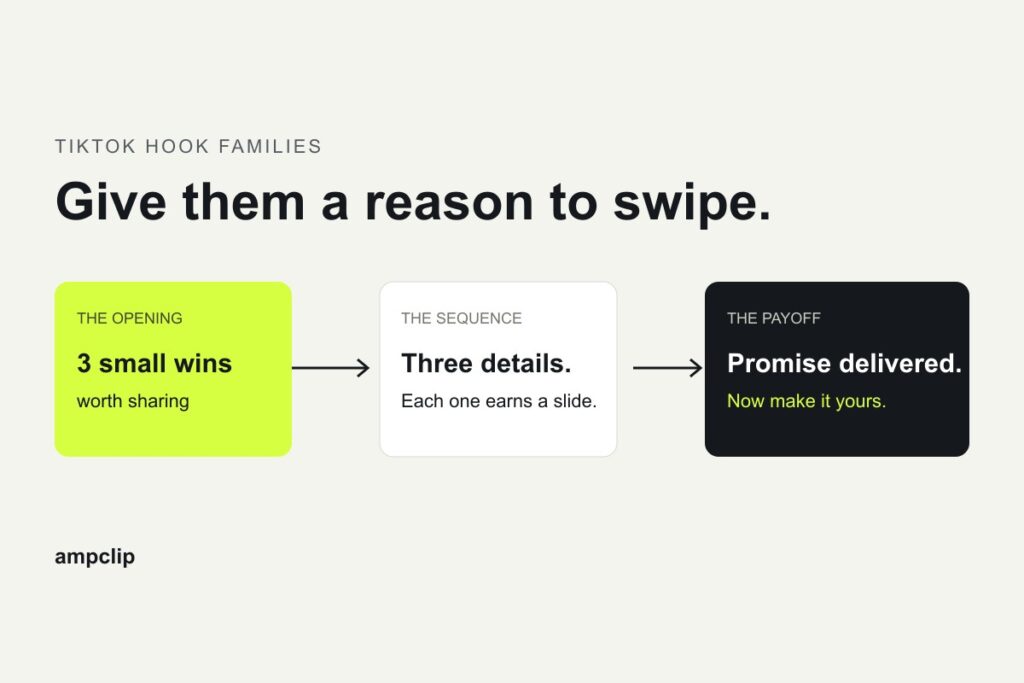
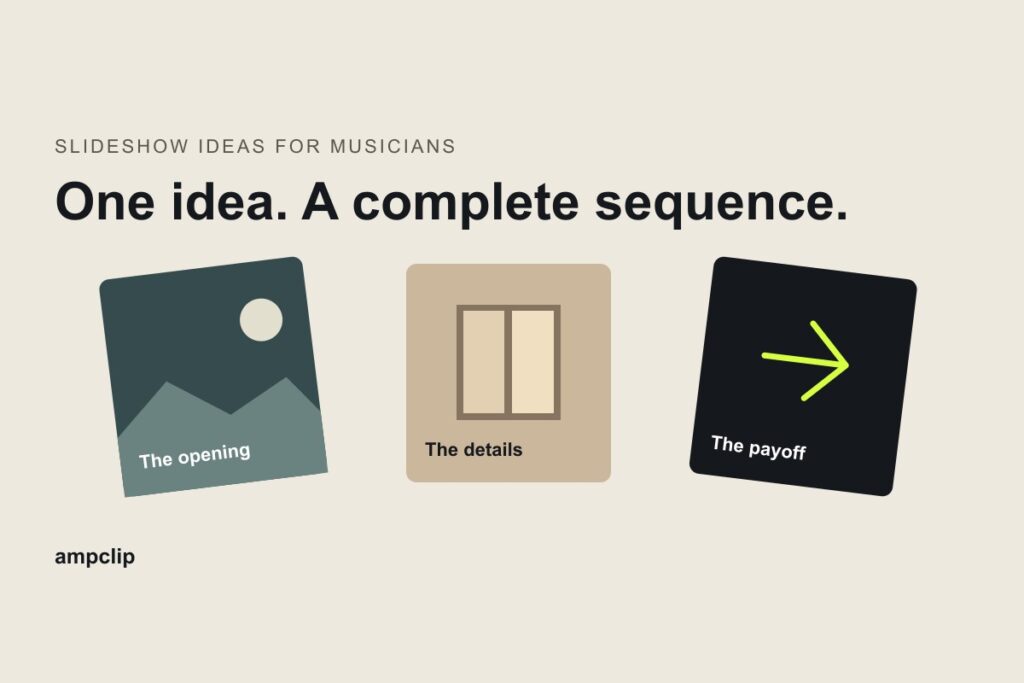
The first slide gives a stranger a reason to swipe. The middle slides add new details instead of repeating the same mood. The last slide pays off the opening. Five is a workable starting point, not a required or proven best length.
Build one post from your song
- Choose one listener-facing idea. Write a sentence someone might save, share, or answer. A song title alone is rarely enough.
- Choose the posting voice. Is this the artist speaking, a team account, or a mood page? Write from that account’s real position.
- Gather cleared images. Start with artist-owned photos, artwork, studio details, or places connected to the song. Check permission before using other people’s images.
- Draft the slide sequence. Give the opening a promise and make each later slide add something. Read the entire sequence without music.
- Check the sound in TikTok. When the slides are ready, select the intended official sound and excerpt in TikTok before publishing. A streaming link does not attach the recording to a post.
- Review the result. Check readability, image rights, caption, account voice, and the final sound. After posting, compare responses to different ideas rather than declaring a format a winner from one view count.
If you want a tool-specific walkthrough, see how to make a TikTok slideshow with your song.
Which tools make photo posts from a track?
Use TikTok to publish a native Photo Mode post, or AmpClip to prepare the slides and captions from your track. CapCut, Wavve, and Headliner help make videos from images or audio; exporting a video does not create a swipeable photo post. Feature.fm helps direct listeners to your music through links.
| Tool | What it prepares | When to use it |
|---|---|---|
| TikTok Photo Mode | A native, swipeable photo post with a sound. | You have the photos and idea and want to assemble the post yourself. |
| AmpClip | Editable photo slides and captions built around a track’s mood and themes. | You need distinct post ideas and help preparing them. Select the sound and finish publishing in TikTok. |
| CapCut | An edited video using footage, photos, text, and audio. | The idea needs motion or precise timing. |
| Wavve / Headliner | Audio-led videos, such as an image with a waveform or captions. | You want a video asset. These outputs differ from native Photo Mode slides. |
| Feature.fm | Release links, pre-save links, and artist bio pages. | You need a destination for listeners after they discover the song. |
Product documentation checked October 14, 2026. For the editing decision, see CapCut vs AmpClip. A Spotify link in a caption or bio does not attach the song to a TikTok post; choose the intended sound and excerpt in TikTok.
Ideas by genre and mood
Genre can guide the materials you choose. It does not require a separate formula for every song.
| Song or mood | Possible starting material | Question to ask |
|---|---|---|
| Indie or bedroom pop | Writing notes, a room, a walk home, a rehearsal detail | What true moment made this song possible? |
| Country or Americana | Specific places, family objects, travel, a show-day detail | Which detail could only come from this artist? |
| Sad or reflective | A memory, an ordinary place, an unsent message | What changes between slide one and the last slide? |
| High-energy | A short list, preparation ritual, or moment before action | Would someone save or send this without knowing the song? |
These are prompts to test, not performance claims. The strongest choice is usually the one with a specific idea and images you can actually use.
Finished slideshow examples
The examples below include published AmpClip posts with dated results and older generated samples. They use demo tracks and do not imply artist endorsement. Publication, TikTok response, and streaming impact are separate facts.
Two published posts built around one track
Both of these posts were built around “Mosquito” by Archer Oh:
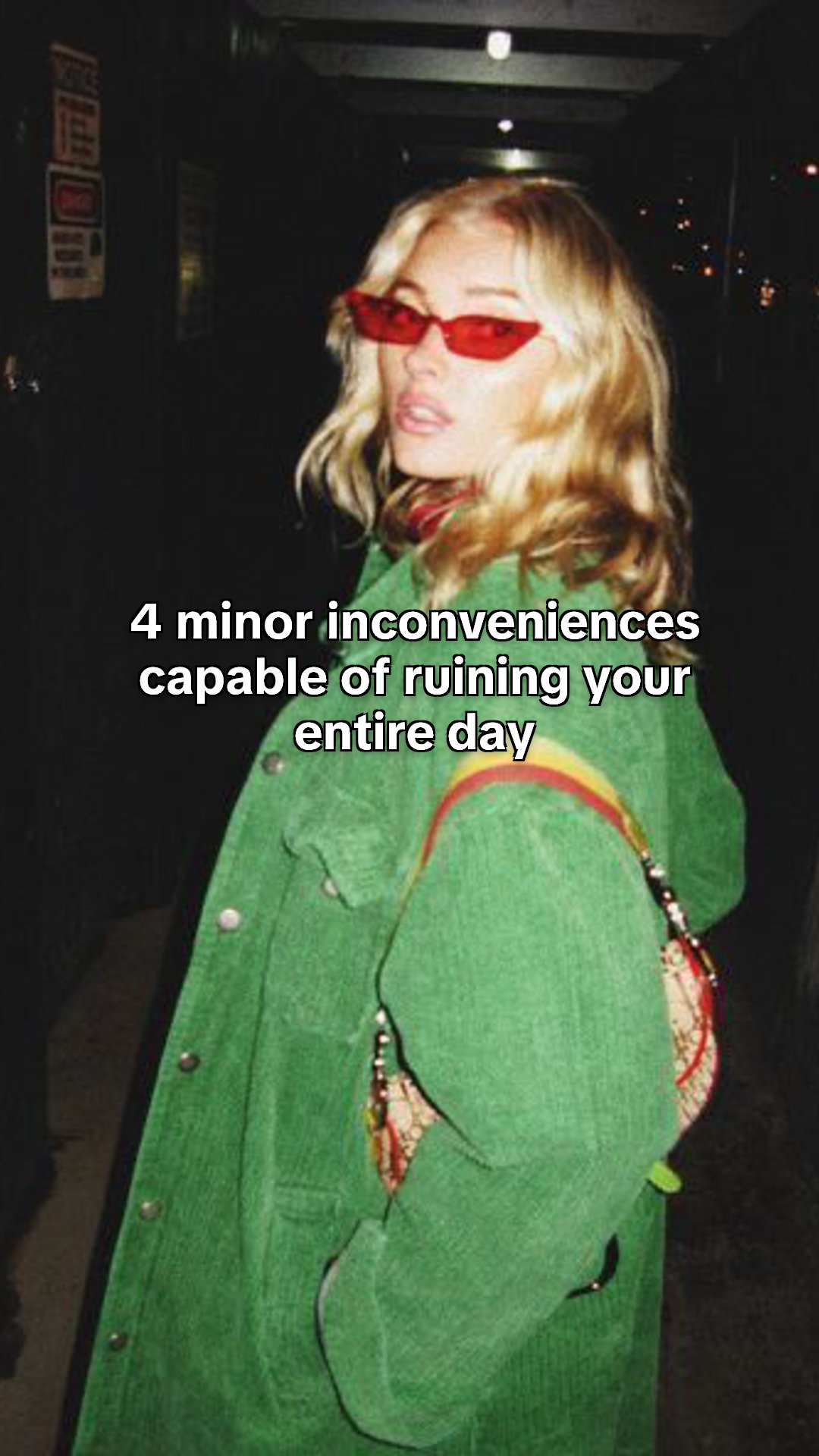
- Everyday frustrations: “4 minor inconveniences capable of ruining your entire day.” Published October 5, 2026; 972 views in AmpClip’s saved October 12 capture.
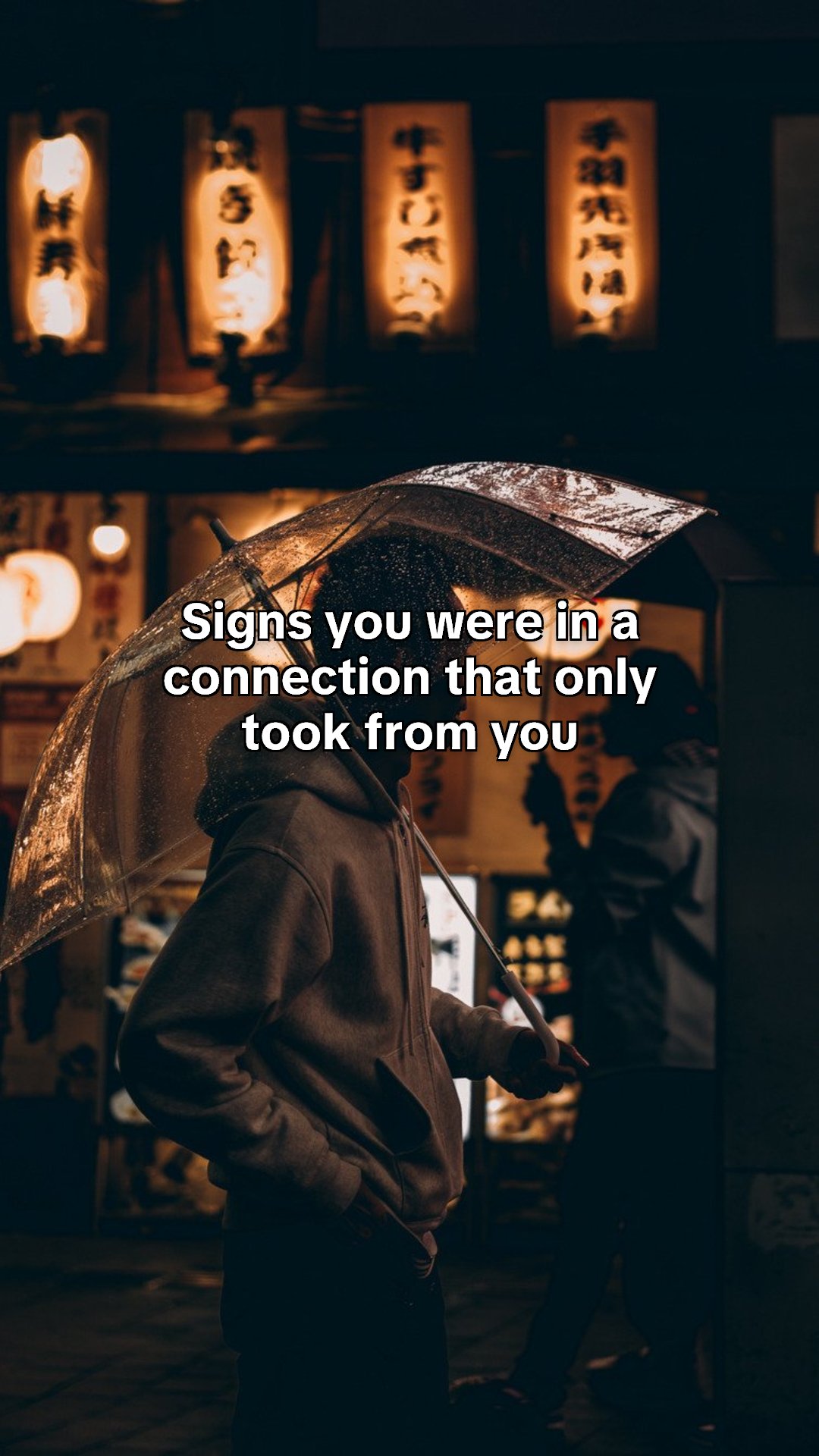
- One-sided relationships: “Signs you were in a connection that only took from you.” Published October 10, 2026; 369 views in the saved October 12 capture.
The covers below illustrate each opening. The posts had different amounts of time to collect views, so their totals are not a comparable-age test. We have no measured streaming conversion from either.
A generated Interest sample
For a complete original Interest post, see the four-card film workshop. It explains the selection, cover, image directions and soundtrack decisions for one fictional song.
The older full slide sequences below remain generated examples; they show the creative output rather than campaign performance.
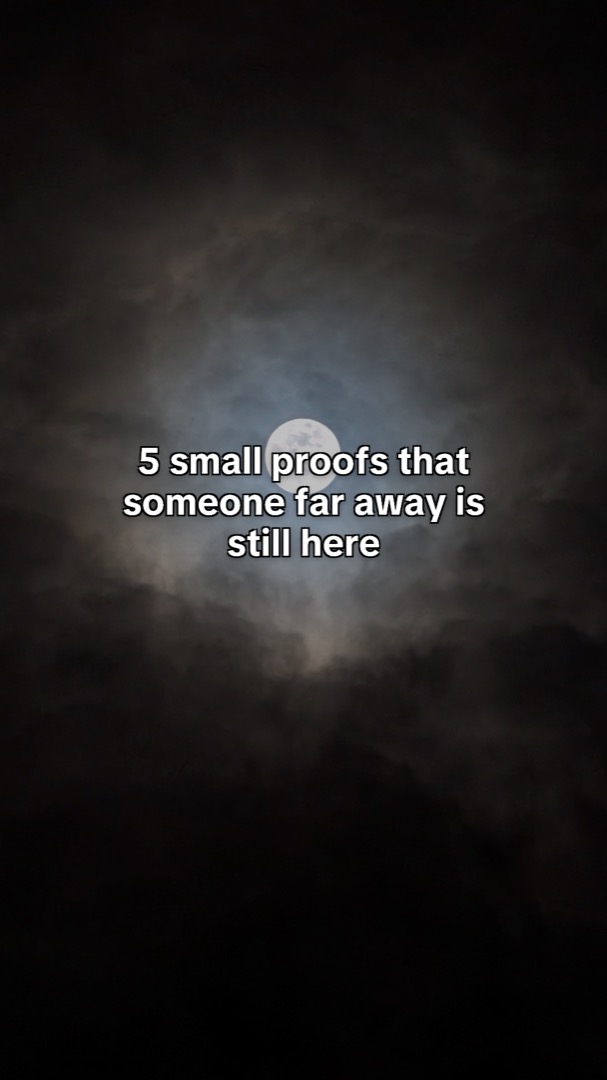
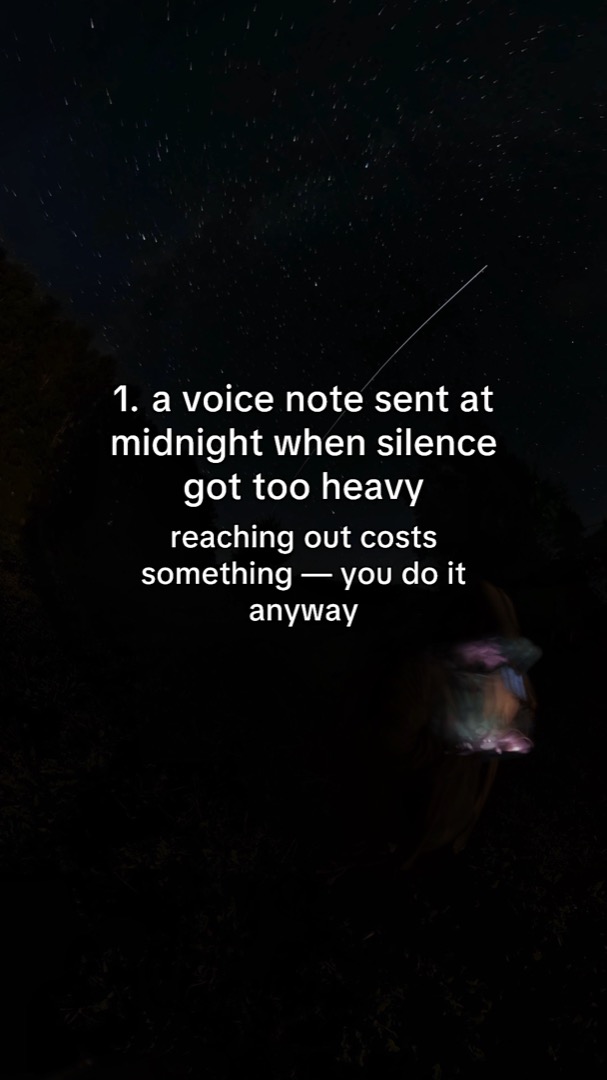
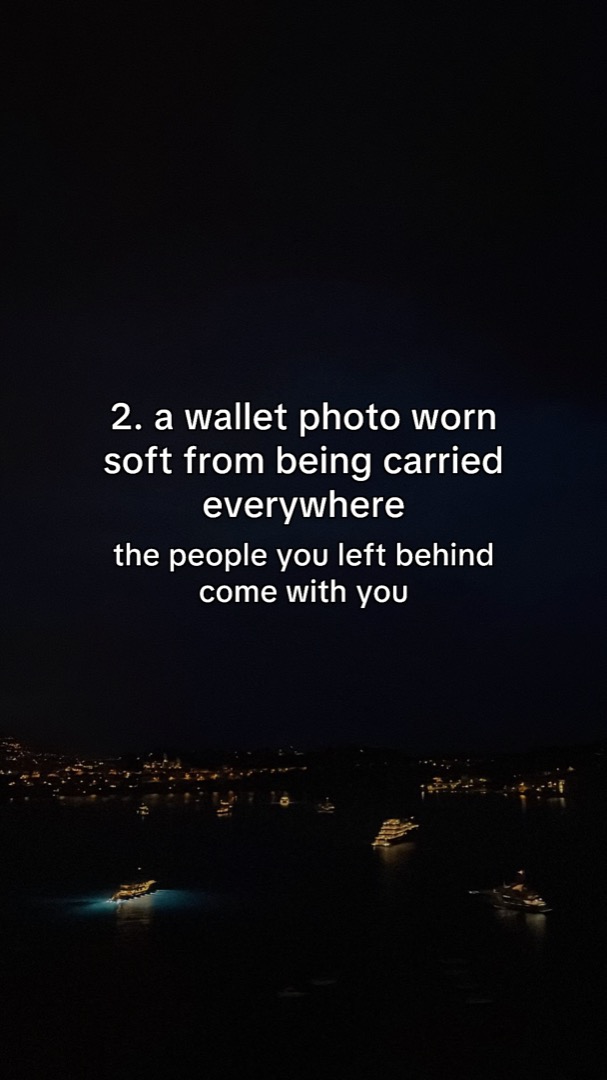
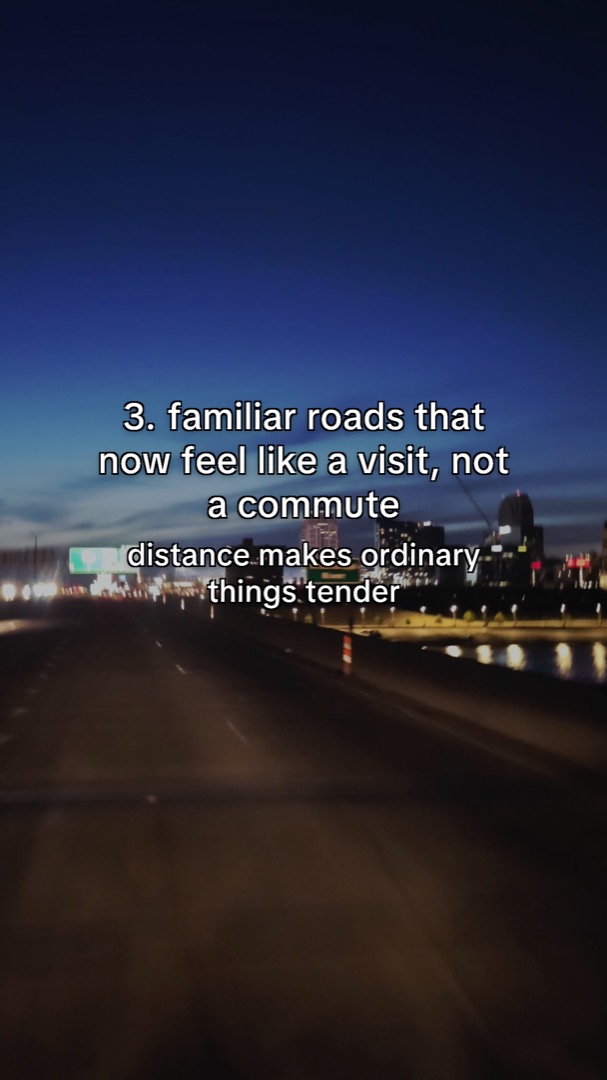
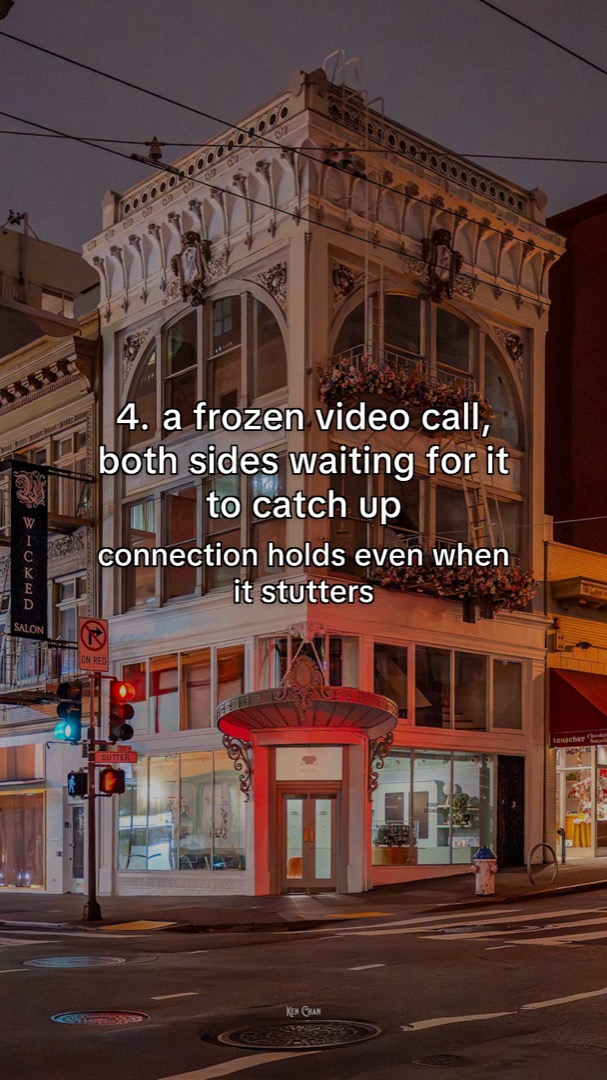
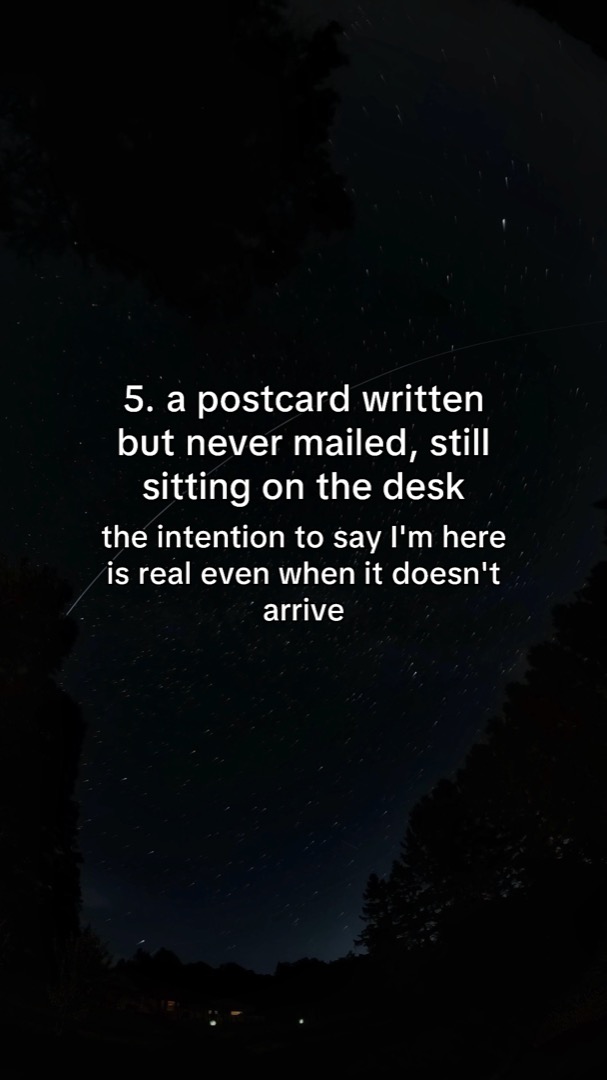
A list that gives people a reason to swipe
Opening line: “5 small proofs that someone far away is still here.” Demo track: Drastic Measures by Bayonne.
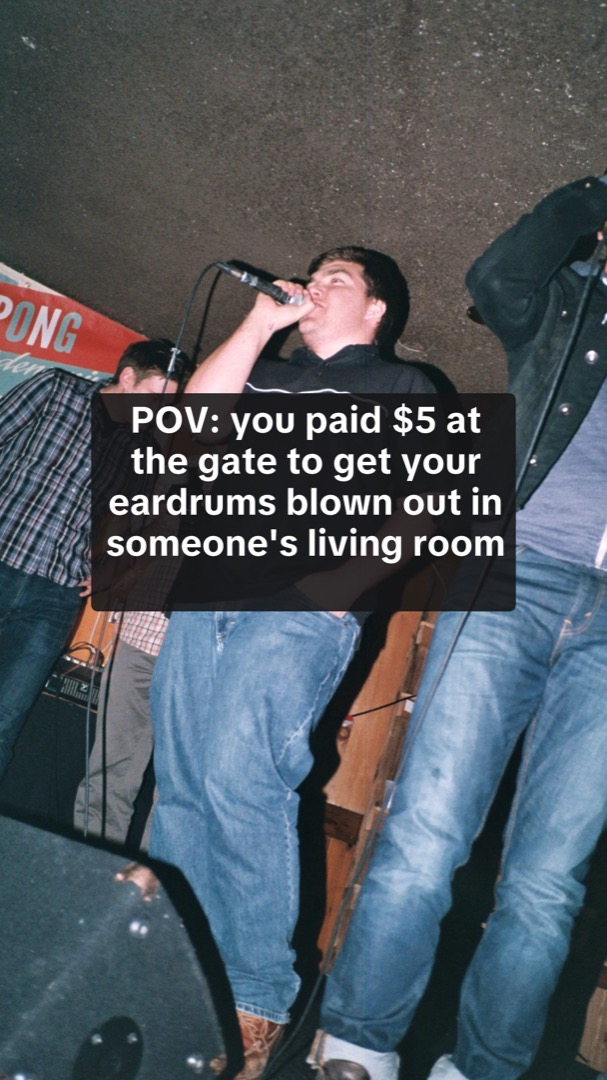
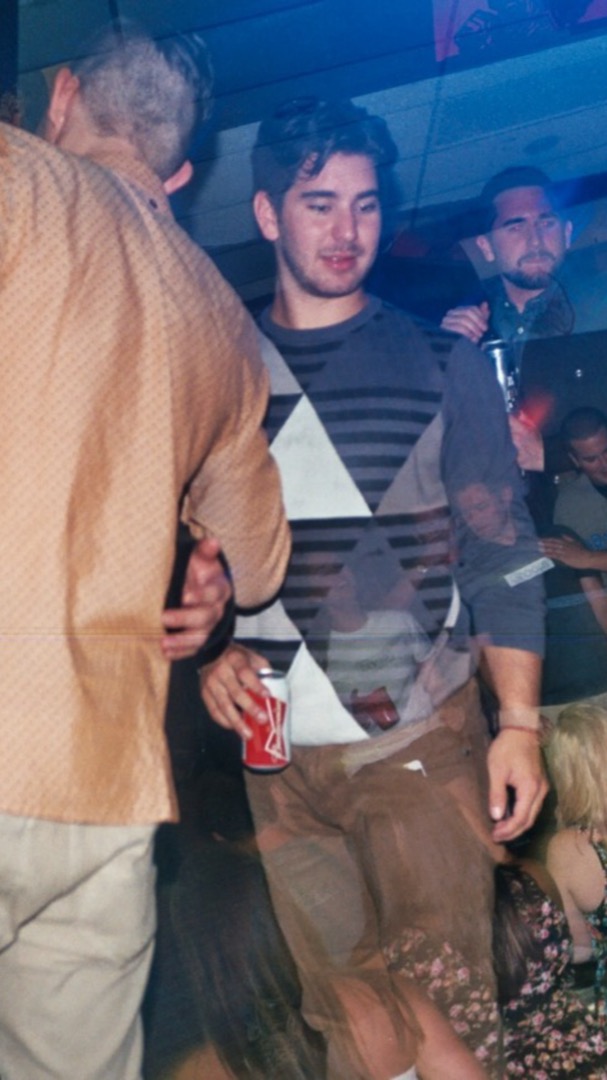
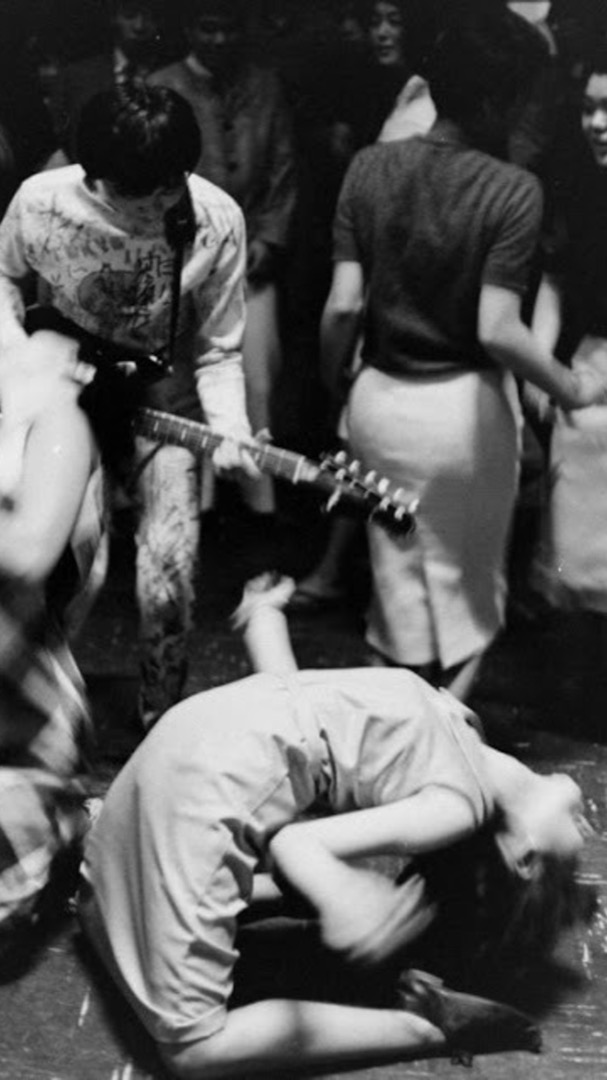
A house-show memory
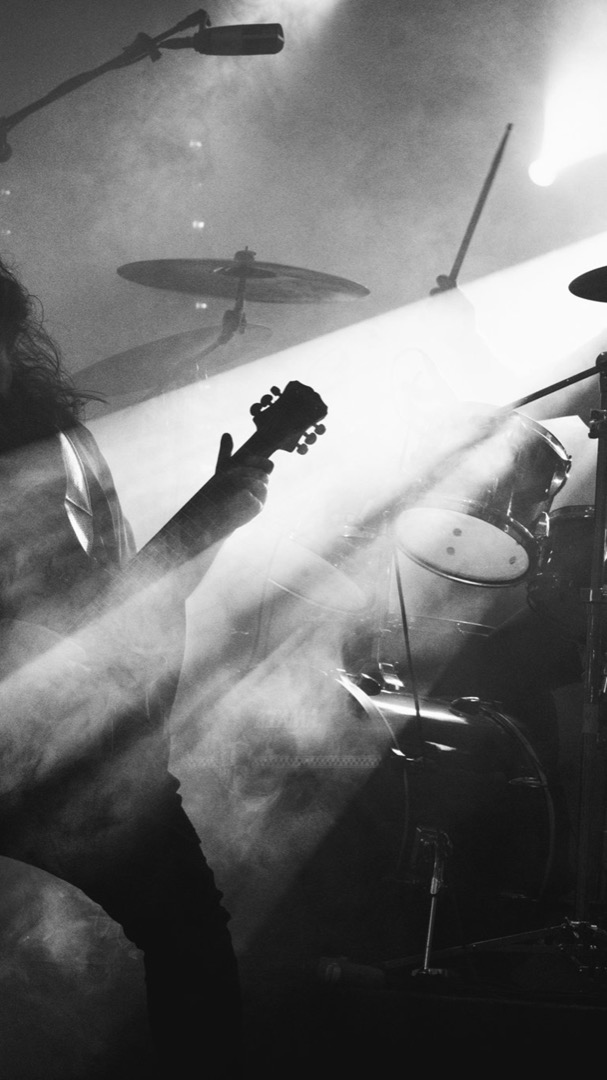
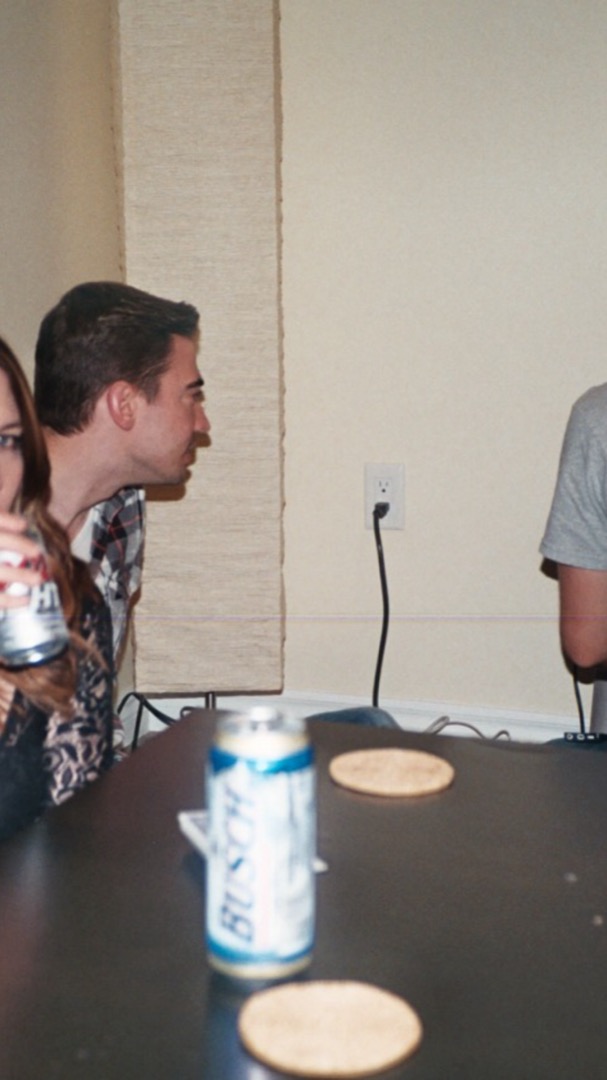
Opening line: “POV: you paid $5 at the gate to get your eardrums blown out in someone’s living room.” Demo track: Mosquito by Archer Oh.
A quiet-living mood
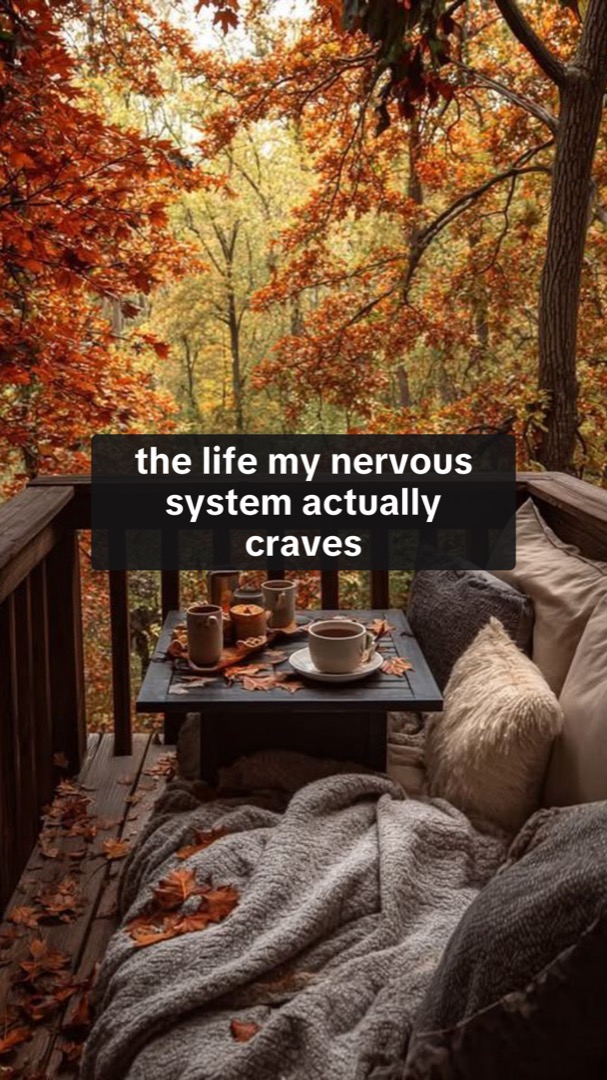
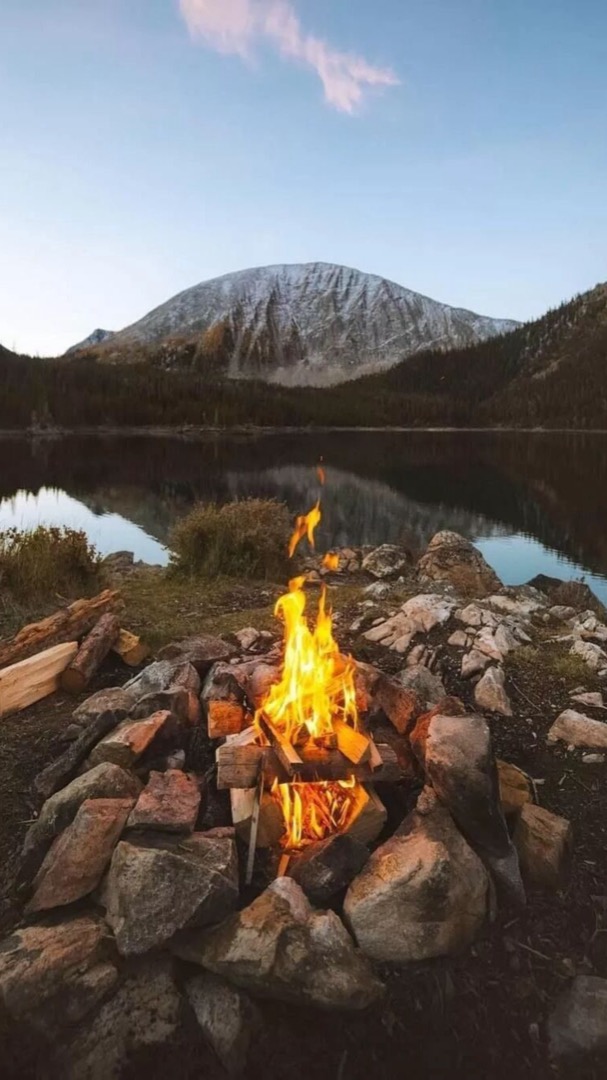
Opening line: “the life my nervous system actually craves.” Demo track: In Dreams by Sierra Ferrell.



Eight creator posts to study for the format
These eight archived creator posts show creative structures across several subjects. They are format references, not verified music-promotion campaigns. The descriptions reflect our saved review; current audio, engagement and availability have not been rechecked.
| Original post | Subject | What to inspect | How to adapt the structure |
|---|---|---|---|
| @relatableslideshowsss | Relatable one-liners | An intimate observation supplies the subject; the stills sustain the feeling. | Write a situation the song genuinely fits, then add specific details rather than repeating the opening. |
| @poetic.slideshows | A visual mood board | The visual collection carries the premise. | Choose a coherent place, texture or color story; give each new image something different to show. |
| @motivation.slideshow | Short motivational writing | Brief statements make the reading experience central. | Use original, concrete encouragement that belongs with the track; avoid borrowed quotes or guaranteed outcomes. |
| @the.dark.feminine | Beauty and lifestyle | Ritual and styling images establish a recognizable world. | Show a specific routine or collection with permissioned material, then audition the musical passage. |
| @gentlereminderrr | A calmer life | Scenery and short reassurance establish a soft-life mood. | Describe an actual small moment of relief rather than attaching a generic inspirational caption. |
| @childhoodncstalgia | Childhood nostalgia | Objects and era-specific images invite recognition. | Pick a memory you can describe precisely; do not assume everyone shares it or reuse unlicensed images. |
| @christianwallpaper4uu | Faith-oriented imagery | Wallpaper-like stills address a defined interest community. | Use this direction only when the music and artist genuinely belong in that conversation. |
| @becoming.herrr | Identity and change | Short identity statements give the collection a point of view. | Replace broad identity claims with a particular transition the lyric or instrumental can support. |
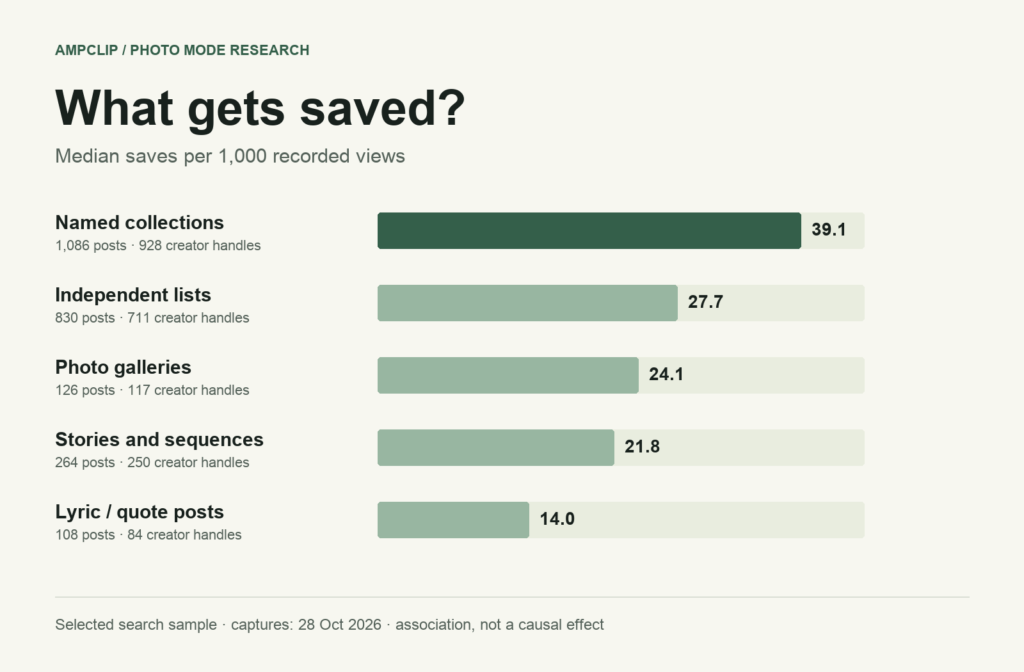
Use these to study the relationship between opening and sequence. They do not establish a winning genre pairing, a best slide count or a streaming result. Our research method and sample limits explains the expanded 10,444-post collection and its sampling limits. For the audience decision, use the audience worksheet; for arranged creator distribution, use the first sound-seeding campaign plan.
Where AmpClip fits
AmpClip turns a track’s mood and themes into TikTok photo posts and captions. For supported formats, choose active ideas and a recurring schedule to prepare new posts and deliver them to your connected TikTok inbox. You select the exact sound and excerpt and finish publishing in TikTok.
Use the creative brief to choose the direction, then the weekly routine to plan the ongoing work. If a timed lyric edit or performance cut is the idea, use a video editor for that piece; CapCut vs AmpClip explains the difference.
Start with a song. One slideshow credit covers one generation; it does not guarantee a published post, views, or streams.
For a reported example of how Photo Mode sits alongside other music marketing, see the Zach Top case study. It describes observed accounts and campaign context; it does not prove slideshows caused streams or career growth.
Choose the idea before arranging the photos
A shared feeling, a useful list and a reveal can give the same song three different ways into a listener’s feed. The song promotion ideas generator shows each structure as a complete original script, beside a real creator reference with a dated view count. Browse the examples, choose the promise your post will make, then adapt the sequence to your track. Personalised generation uses AmpClip’s card-required trial or a paid plan.
Common questions
Does every slide need to mention the song?
No. Let the post make a point first. Name the song where it adds context, often in the caption or a closing slide.
How many slides should I use?
Use enough to complete the idea and cut slides that repeat it. The five-slide script above is a starting example, not a platform rule. In AmpClip’s expanded collection of 10,444 Photo Mode posts, the median was 7 slides and the mean was 7.8. That non-random sample describes what was posted; it does not establish the best length for reach or streams.
Can AmpClip attach my official sound automatically?
For song campaigns, AmpClip prepares the post. Select the intended sound and excerpt inside TikTok before publishing.