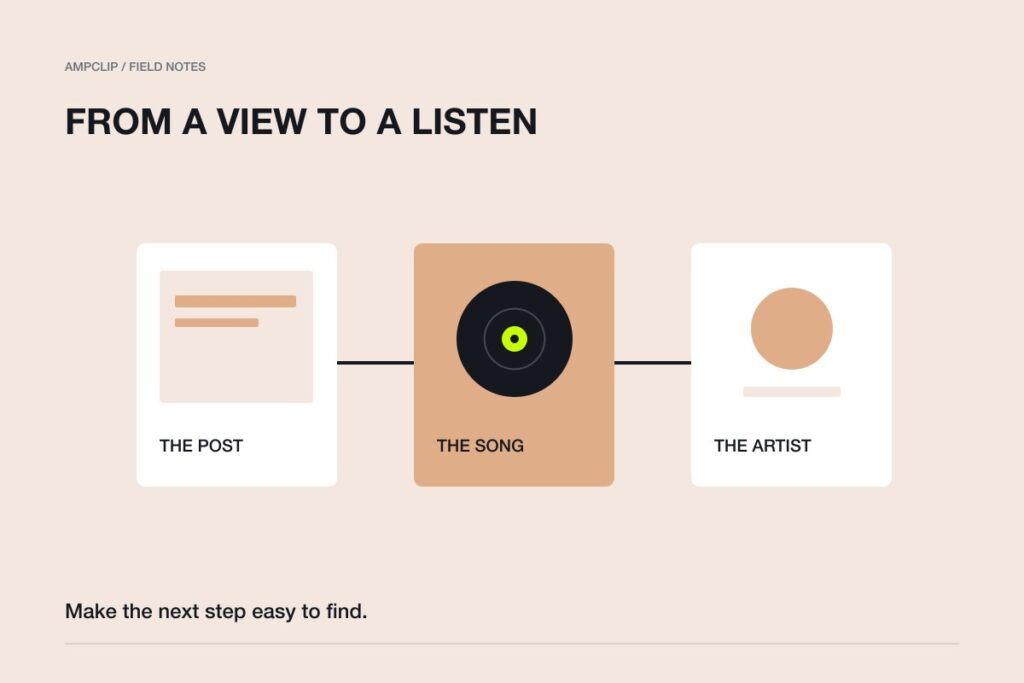
To get your song into TikTok’s music library, deliver it through a distributor that supports TikTok, then find and check the track inside the app. Being available on Spotify does not complete that setup. Before you ask anyone to use your music, confirm that the sound plays the right recording and save a link to it.
This guide covers the path from an existing release to a usable sound. If the track is missing or unavailable, use our TikTok sound troubleshooting checklist.
What does “get my song on TikTok” mean?
There are two different things you might want to do: put your recording in the music library, or publish a post that contains your music. For a campaign asking other people to select your track, start with library delivery.
Uploading a video with the song already in its audio is a different route. It may appear under an original sound rather than the library entry you want people to use. Check the actual sound attached to a post instead of assuming that hearing the song proves the setup is correct.
DistroKid’s TikTok guidance distinguishes music selected from the library from music embedded in uploaded content. Its Social Media Pack is not required just to deliver a song to TikTok’s library. Other distributors have their own delivery and monetization terms.
Step 1: Check your distributor’s TikTok delivery option
Open the release in your distributor dashboard. Confirm whether TikTok is a selected destination and what the release’s delivery status says. A release being live on another service is not confirmation that TikTok has received it.
If you use DistroKid, its documentation says to select “TikTok & other Bytedance stores” during upload, or use “Add to more stores” for an existing release. For another distributor, use that provider’s instructions.
Do not submit a duplicate release simply because you cannot find the sound. First establish whether delivery was selected, completed, or rejected. If you are choosing a provider, our distribution platform comparison covers the wider decision.
Step 2: Keep the recording details together
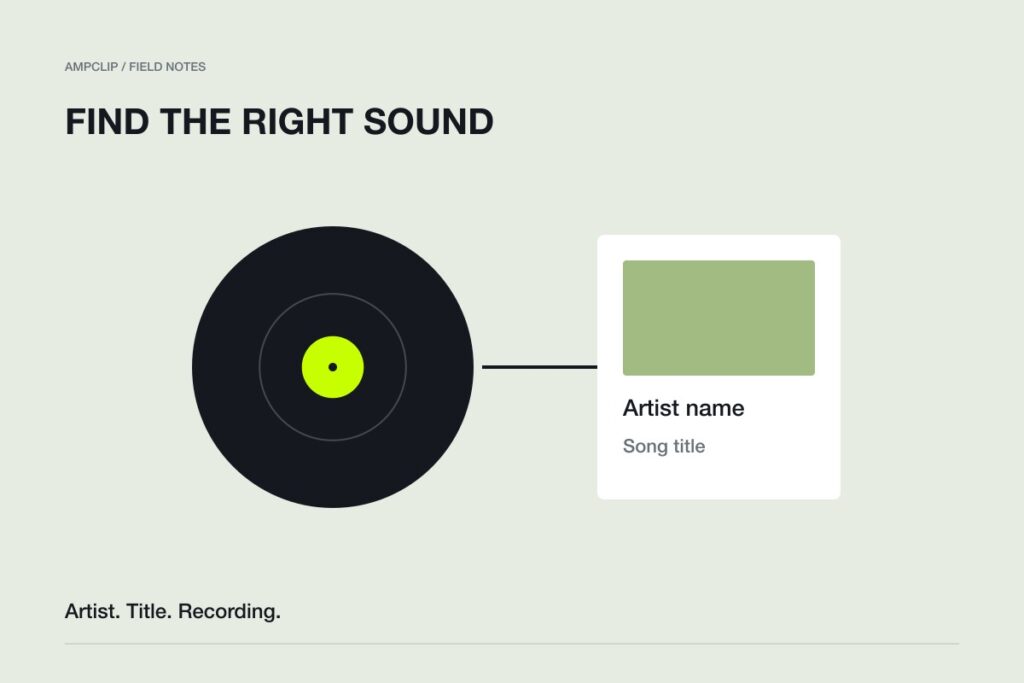
Make a small release note with the artist name, exact track title, version, ISRC, release date, and distributor release identifier. These details help you identify the right recording and give support something specific to investigate.
| Detail | What to record |
|---|---|
| Artist and title | Use the spelling supplied to the distributor, including featured artists. |
| Version | Note whether this is the original, clean version, remix, or another recording. |
| ISRC | Copy the recording identifier from your release dashboard. |
| Delivery | Record the TikTok destination status and the date you checked it. |
| Sound link | Add the working TikTok sound-page link once you find it. |
A distinctive title can still return several results. The artist credit and the recording you hear are part of the check.
Step 3: Find the track in TikTok’s sound picker
Start creating a post and open Add sound. Search using the artist name and exact song title. If the full phrase gives poor results, try the artist and title separately. TikTok’s interface can vary by app version, account, and region.
Open likely matches and listen. Check that you have the intended version and artist credit, rather than a cover, a re-upload, or a different track with the same name.
TikTok’s sound guide explains selecting a sound for a post. Treat the picker as a final confirmation step, not just a search box you visit once.
Step 4: Check the section you can actually use
The library entry may not offer the whole recording. Preview the available section and check whether it contains the part your post needs.
For a hypothetical single called “Last Bus Home,” your photo story might fit a lyric in the second verse. If that lyric is outside the available excerpt, choose another creative idea or ask your distributor whether the delivered clip can be changed. Do not build ten posts around an excerpt you have not checked.
Our guide to choosing a song section for TikTok helps match the available music to the content.
Step 5: Save the sound link and make one test post
Copy the sound-page link through the sharing options available in your app. Keep it in the release note and any instructions you give collaborators.
Prepare one post before assembling a large campaign. Preview its audio and text. After publishing, open the post and check the sound attribution and listening experience. If appropriate, ask a collaborator to open the shared sound link from their own account.
For native Photo Mode, upload your images as a swipeable photo post and select the track inside TikTok. An exported slideshow video is a different format. Our slideshow how-to covers that distinction.
What if you can only see commercial sounds?
Check the account type. TikTok says Business Accounts do not have access to its general music library. This can explain why a sound exists but does not appear in your picker.
An account change does not give you new music rights. For business, branded, or advertising activity, check the applicable music permissions. Library access and permission for a particular use are separate questions.
Example: check a release before building the campaign
For a fictional single called “Kitchen Radio,” an artist finds two similarly named entries: the distributor-delivered release and a creator upload of a live version. A title match alone cannot choose between them.
- Play both entries and identify the intended recording by ear and displayed artist credit.
- Save the intended sound URL in the campaign brief, alongside the distributor release details.
- Open that URL from the actual posting account and preview the available passage.
- Make one draft with that passage. Check that the photo story or performance still makes sense.
- After publishing, open the sound attached to the post and verify it is the entry you selected.
These are illustrative checks, not a claim that the invented track is available in TikTok. If the entry exists but your publishing account cannot use it, continue with the access and delivery troubleshooting guide instead of treating another upload as the default fix.
Questions about getting music on TikTok
Can I put an already-released song on TikTok?
Yes, if your distributor supports delivery of that release to TikTok and you can authorize it. Check the existing release’s destination options before uploading anything again.
Does uploading a video create the official library entry?
Do not assume so. A post containing your recording can have an original sound attached. For a campaign based on the library track, deliver the recording and confirm that entry separately.
Does finding the sound mean it will get used?
No. It means the setup works. Give people a useful example and an easy invitation; our fan participation guide covers the next step.