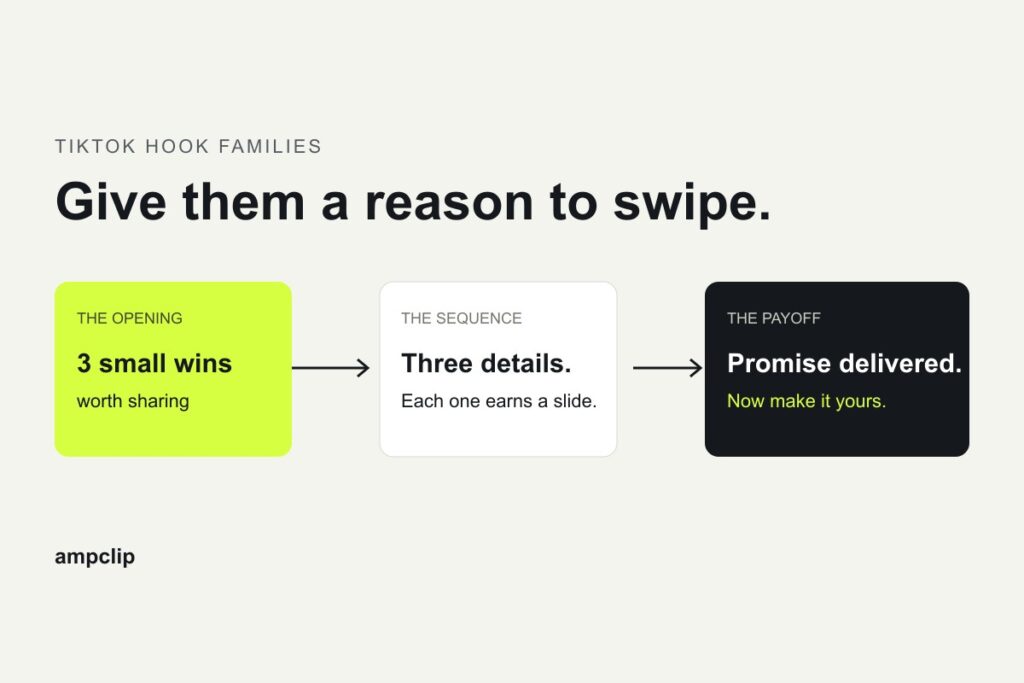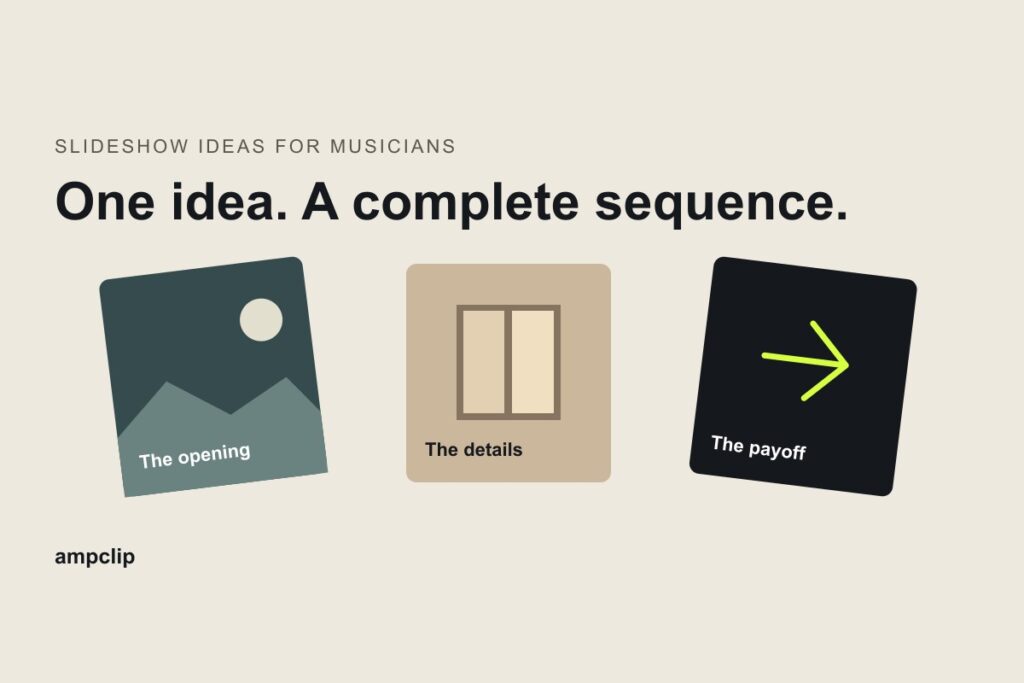
To make a TikTok slideshow with your song, build a short sequence that gives someone a reason to swipe, upload the finished cards as a photo post, then select the intended recording in TikTok. Check the sound and the swipeable preview before publishing. You do not need to film yourself.
The creative work comes first. A collection of attractive images is not yet a reason to keep reading. Decide what the opening promises, make the next cards deliver it, and give the last card an ending.
Download the storyboard. It includes a blank brief, a five-card planning sheet, a filled example and a sound-and-preview checklist. You can use it without an AmpClip account.
1. Choose a swipeable post or a timed video
| Your post depends on | Make this | What to check |
|---|---|---|
| Someone reading and swiping at their own pace | A TikTok photo post, also called Photo Mode | The preview contains separate swipeable photos |
| A lyric landing on an exact image or beat | A timed video made in a video editor | The exported video plays the sequence at the intended timing |
| Preparing several song-specific photo ideas | Editable cards and captions, then the photo-post flow | Review the cards and choose the exact sound on the publishing account |
TikTok’s Photo Mode introduction describes a format people can swipe through at their own pace. That changes how you write: the next line must make sense whenever someone reaches it. If the joke or lyric only works at a precise second, use a video editor instead. The lyric-video versus Photo Mode comparison helps with that choice.
2. Write the reason to swipe before choosing the photos
Start with a subject your intended listener already cares about, then make a particular observation about it. A true song story, a useful collection or an opinion about a shared interest can all work. “New single out now” identifies a release; it does not supply the whole reason a stranger should stay.
Julia Wolf’s Alice Cullen carousel gives us a concrete example. Posted on her artist account with In My Room in the sound line, it registered approximately 16.9 million views in our October 7, 2026 capture. The opening calls Alice’s appearance underappreciated: “lethal face card no one talks about enough.”
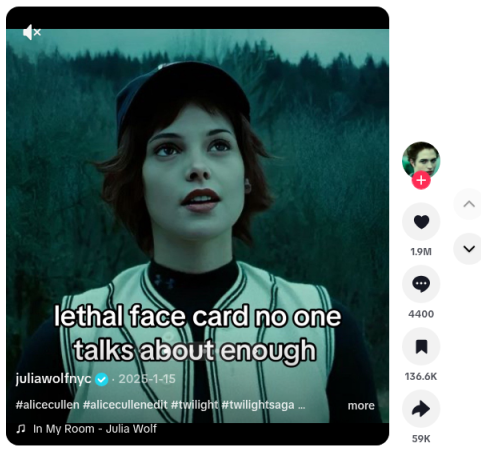
The available captures show how that promise develops:
| Part | What the saved frame shows | Why the choice matters |
|---|---|---|
| Opening | Alice’s image and the opinion that her appearance deserves more attention | A fan can agree, disagree or send the post to another fan |
| Early body | Another Alice image with a tiny incredulous reaction; the next saved card calls her gorgeous | The pictures supply the evidence, so the writing can stay brief |
| Final card | An Alice image with the one-word close “stunning” | Finishes the appreciation instead of switching into a release announcement |
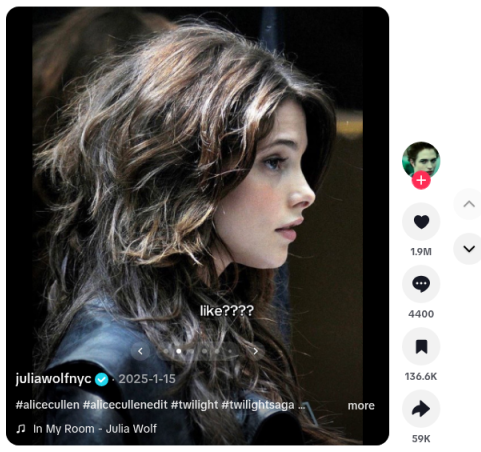
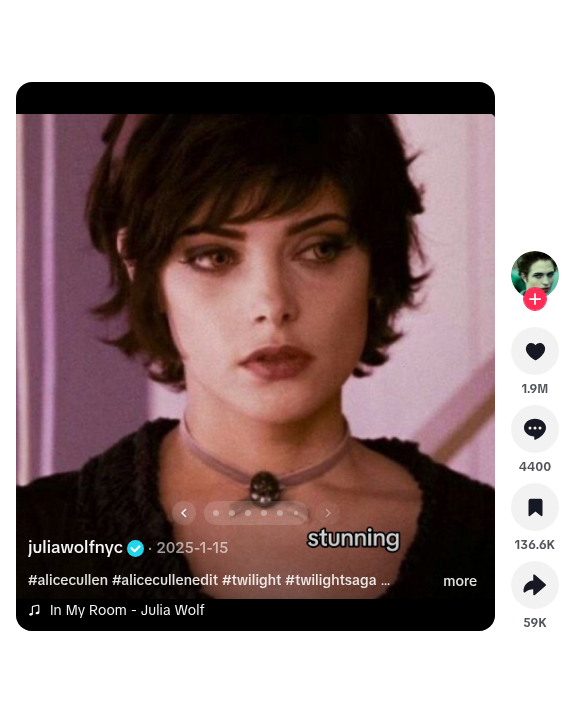
The useful part to borrow is the relationship between the claim and the pictures. The audience can understand the post before knowing the artist; the artist account and sound attribution provide the route back to the song. We have selected surviving captures, not every middle frame, and the view counter does not tell us how many viewers became listeners. Our Julia Wolf breakdown preserves the available frames and results.
For your first post, finish this sentence:
Someone who cares about [specific interest or situation] would swipe because [what the next cards will give them].
If the answer is only “to hear my song,” try a performance clip. A photo sequence needs a reason to look as well as a reason to listen.
3. Give each card a job
Here is a complete original script for Side Streets, a fictional demo song. We edited and exported this written sequence in the Hook Explorer; the script is not a published artist campaign.
| Card | On-slide copy | Image to make or choose | Why it belongs |
|---|---|---|---|
| 1 | you moved away. your habits didn’t. | Your own photo of a familiar route or a travel bag | Establishes the gap between leaving a place and leaving its habits |
| 2 | you still pack for rain in a town you no longer live in. | A raincoat over an open suitcase | Makes the opening specific enough to recognise |
| 3 | you know which window gets the afternoon sun. | Your own photograph of that window | Moves from a habit to a remembered place |
| 4 | you still call that road the long way round. | Your own photo of a familiar road | Adds a different detail instead of repeating the suitcase |
| 5 | some places take a while to leave you. | A departing view, or another cleared image that closes the journey | Finishes the thought the first card opened |
Caption: “For the places you still know by heart. Soundtrack: Side Streets — [artist].”
The second card is doing more work than a generic line about missing home: it gives the reader a behaviour they can recognise. The final card resolves the opening rather than introducing another location. Use your own real details and permitted images; the fictional track is there to show how to fill the worksheet.
The actual text-editing state and five-slide export from that exercise are below. This screen shows preparation in Hook Explorer, not TikTok’s native publishing preview.
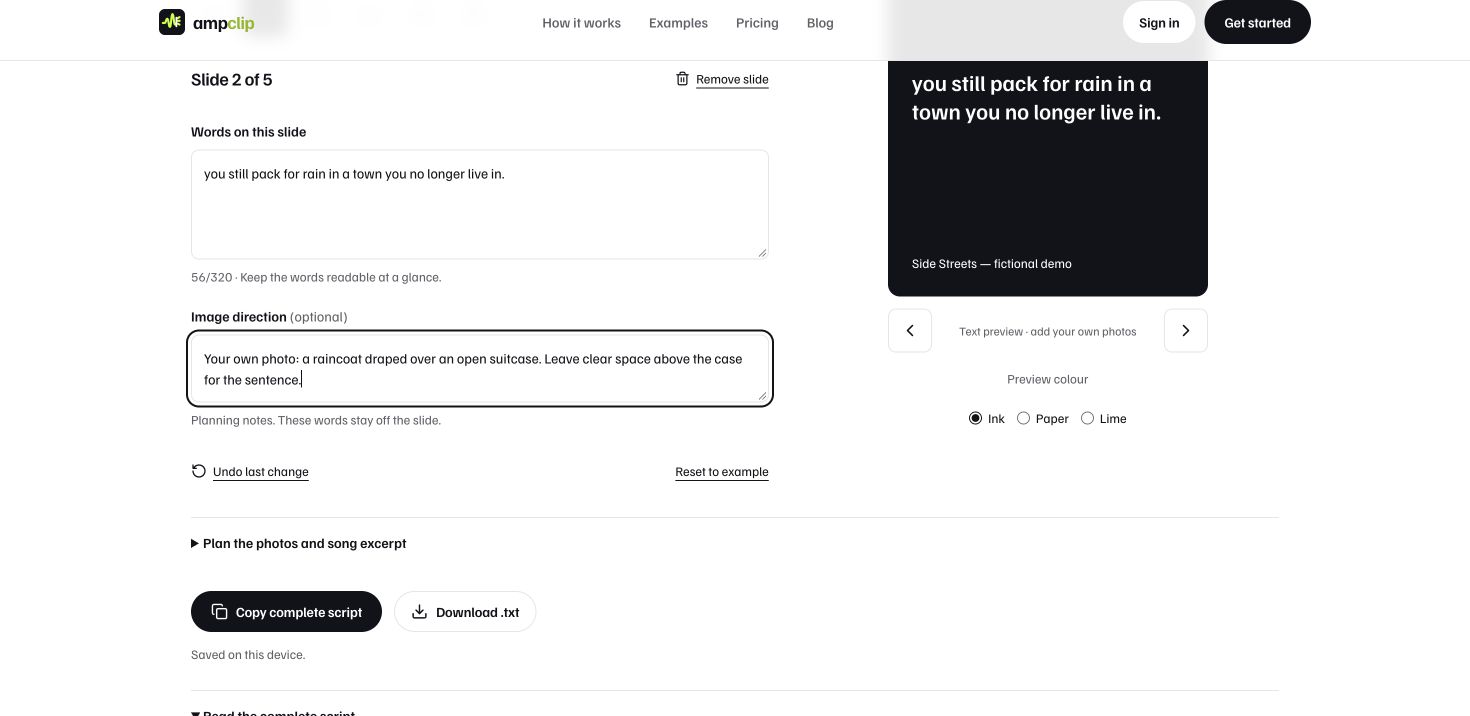
Download the actual five-slide Side Streets text export
An alternative artist-story treatment from our original guide uses five places: “The places I didn’t expect to miss” → “The shop that stayed open after rehearsal” → “The turn toward my old street” → “The light in the kitchen window” → “I still take that route in my head.” This version suits an artist who can supply those actual memories and photographs. The listener-facing Side Streets version invites people to recognise themselves instead.
Before building the cards, read the words in order without music. Cut a card if removing it changes nothing. Add one only when the next image, example or turn earns its place. Neither example is a rule that every post needs five slides.
4. Prepare the images and test the musical passage
Use your own photographs, approved artist material or images licensed for this use. Keep a note of the source and permission while choosing them. A good-looking picture is still the wrong picture if it has no role in the sequence.
For the Side Streets example, the raincoat and suitcase carry the meaning of card two. Put its sentence where the coat and case remain visible. Use a consistent text treatment, enough contrast to read at phone size, and room for TikTok’s interface. Review the actual preview rather than relying on a universal “safe area” diagram.
You can add words in TikTok or prepare each finished image in a design tool first. Prewritten cards make the text part of the image; native text remains something you place inside TikTok. Choose one approach deliberately so you do not accidentally print the same line twice.
Try two available musical passages against the same cards. Read and swipe at a natural pace. Listen for these differences:
- Does the part you want remembered arrive promptly, or does the post begin with an empty lead-in?
- Do dense sung words compete with the sentences on the cards?
- Does the passage support the emotional turn, or make it feel like a different post?
For this reflective script, a restrained verse and an instrumental passage are two candidates to compare, not a verdict about a recording we have not auditioned. Write the actual available starts in the worksheet and choose by listening. If every card needs a particular lyric at a particular second, return to the timed-video route.
5. Build the photo post in TikTok
Use TikTok’s mobile app on the account that will publish. The steps below follow TikTok’s photo-post instructions, checked in its help center on November 10, 2026. Labels and available sound controls can differ between versions.
- Start a new post. Tap the add-post button, then Photo → Upload, and select your prepared photos. Select them in the storyboard order and inspect that order before continuing.
- Open the editing preview. Move through the individual photos. If you wanted a swipeable post but have made a timed video, go back and choose the photo-post route before doing more editing.
- Check the words on the uploaded cards. The simplest route is to put each card’s words on its image before upload. If you use TikTok’s text tools instead, verify that each line stays with the intended photo; use finished images if it does not. Avoid adding a second copy of text already in the image.
- Check the layout on every card. Read the entire sentence, look for awkward crops, and move or shorten text that conflicts with the picture or interface. The cover alone is not enough to approve the sequence.
- Choose the sound. Open the sound control and find the intended artist, title and recording. TikTok’s sound instructions explain finding and selecting sounds. Do not assume the suggested sound is your song.
- Check the excerpt. Where TikTok offers a start or excerpt control for the selected recording, set the passage and listen through the preview. If that control or the start you need is unavailable, check the recording or available clip before adapting the post; do not label a different version as the one you intended.
- Finish the description and settings. Identify the song clearly in the caption where useful, check the cover and audience/privacy setting, and review any other settings relevant to the post. Save a draft if you still need to check the recording, permissions or wording.
A Spotify link helps identify a track. It does not attach that track’s TikTok sound. If your recording is absent, resolve the delivery or availability problem before choosing a substitute. Check that your distributor delivered the intended version to TikTok before building the post around a substitute recording.
6. Approve the whole preview
| Check | Pass looks like | If it fails |
|---|---|---|
| Format | You can move through separate photos | Return to the photo-post route, or choose a timed video deliberately |
| Story | The body delivers the cover’s promise and the ending resolves it | Rewrite or remove the card that breaks the sequence |
| Readability | Every line and important visual detail is readable on the phone | Reposition, shorten or re-export the card |
| Recording | The sound entry and audible version are the intended track | Resolve the sound before publishing |
| Passage | The available excerpt works while you read and swipe | Try another available passage or change the treatment |
| Identity | Someone interested can identify the artist and song | Clarify the sound, caption or profile route |
| Permissions and audience | The material is approved and the audience setting is intentional | Keep the post as a draft until corrected |
This is the point to ask someone else to look. Give them the phone without explaining the premise. Ask what the post is about and which line or image feels unnecessary. If you have to explain the connection, fix it in the post.
A complete six-card layout example
This existing AmpClip sample pairs Drastic Measures by Bayonne with a six-card list about connection across distance. It is a prepared format demonstration, not evidence that Bayonne ran this campaign or received a measured result.
The first card promises five examples. The next five cards deliver them. Notice that a list can end on its final example; it does not need an extra sales card simply to announce the song again.
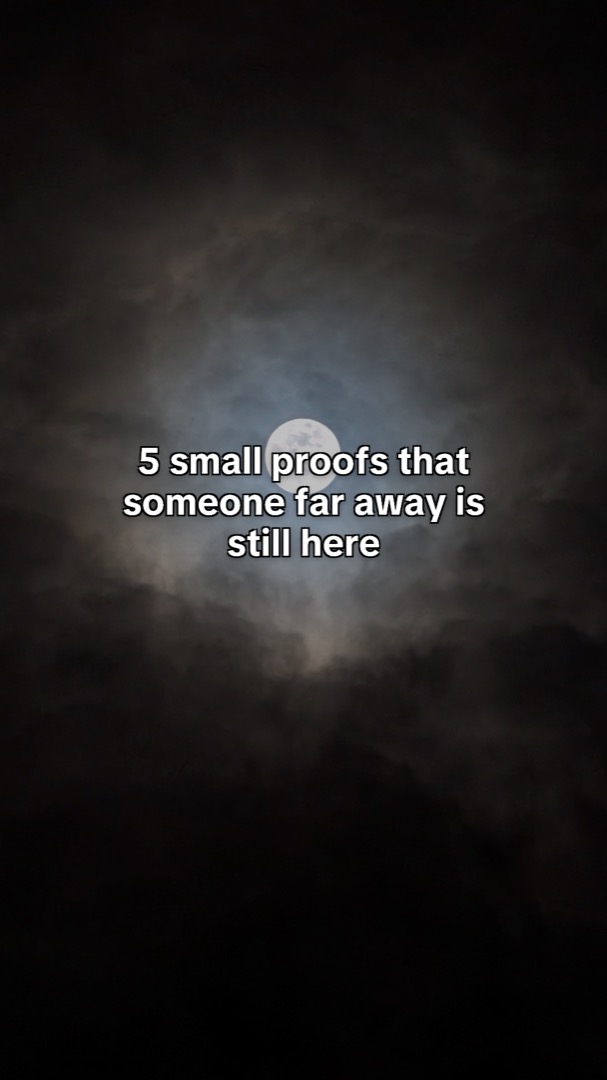
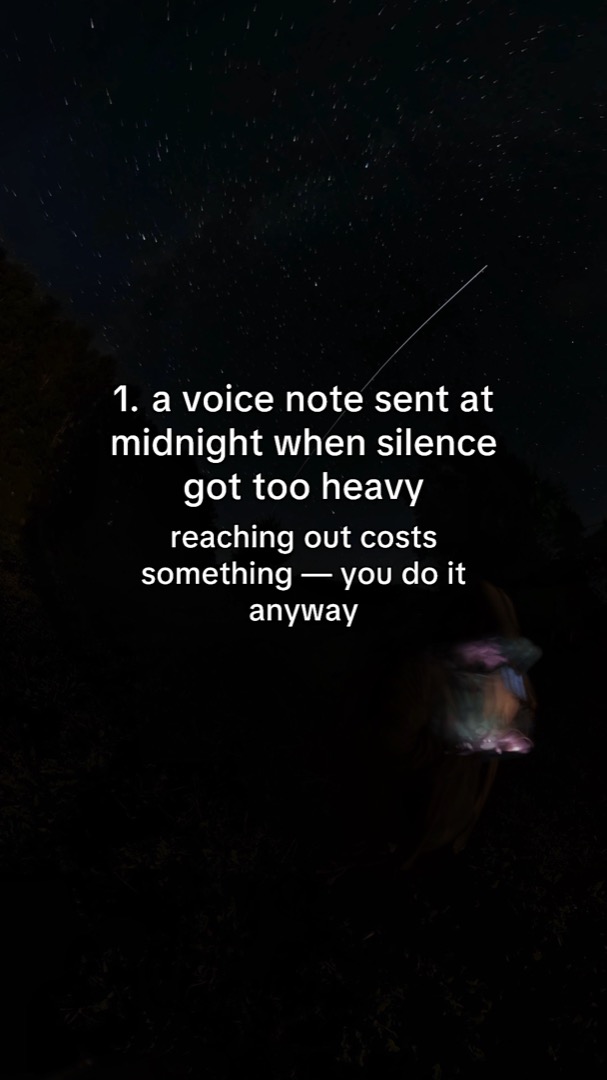
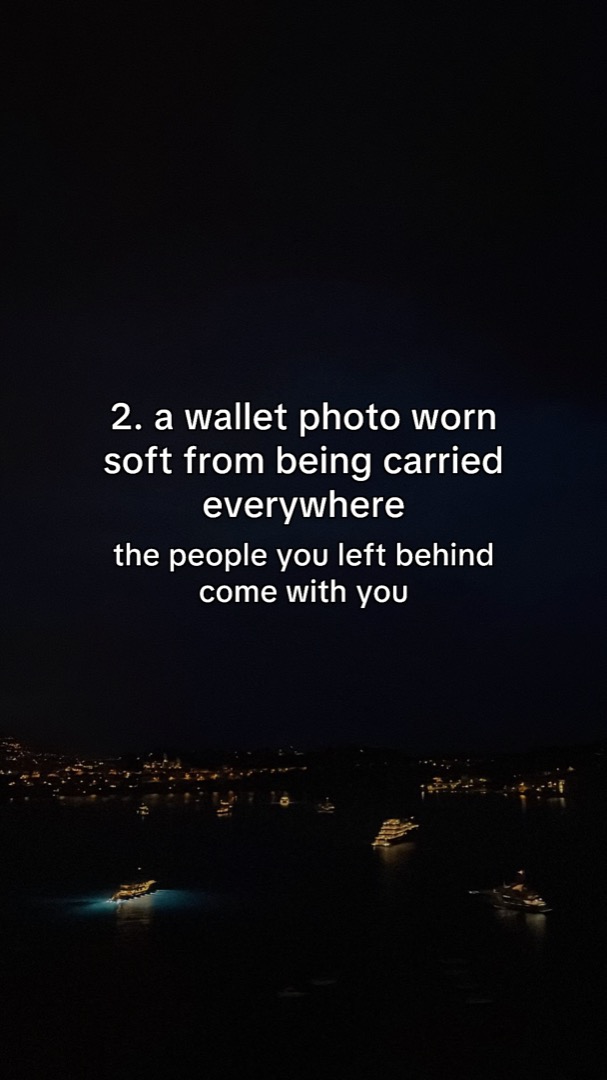
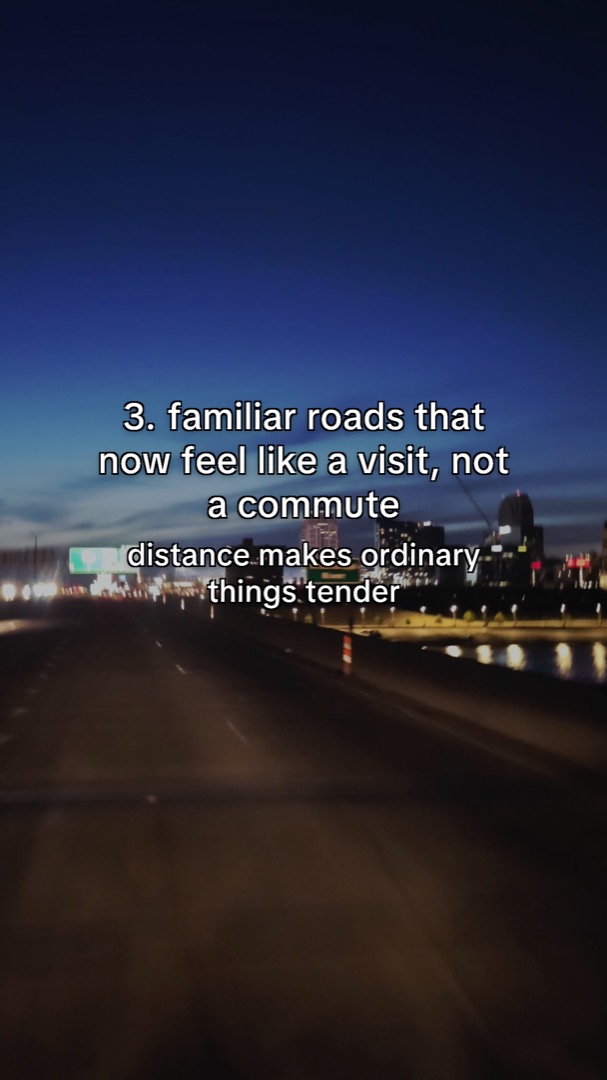
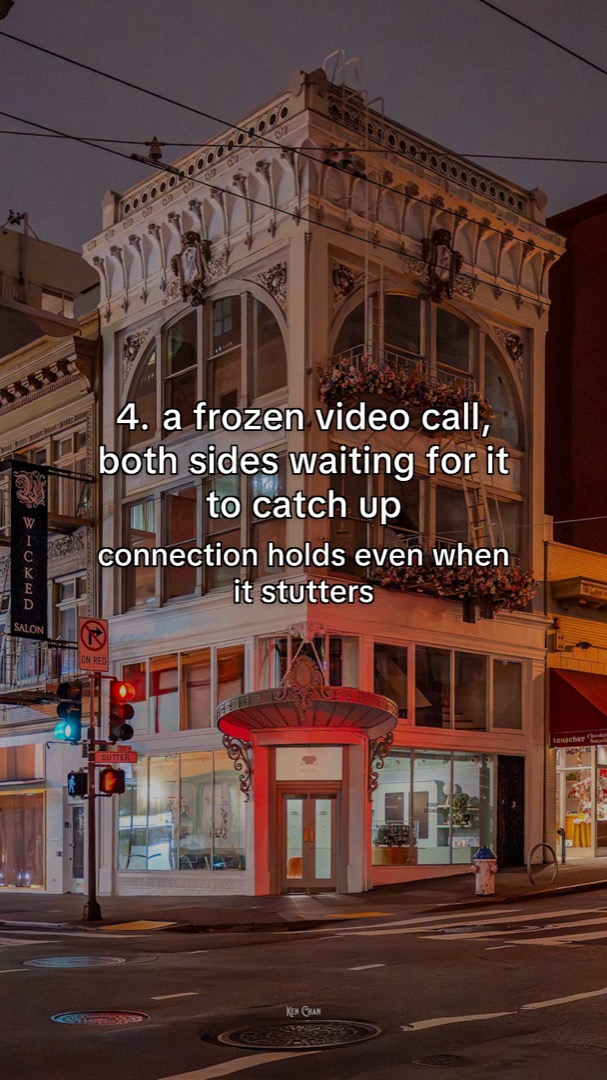
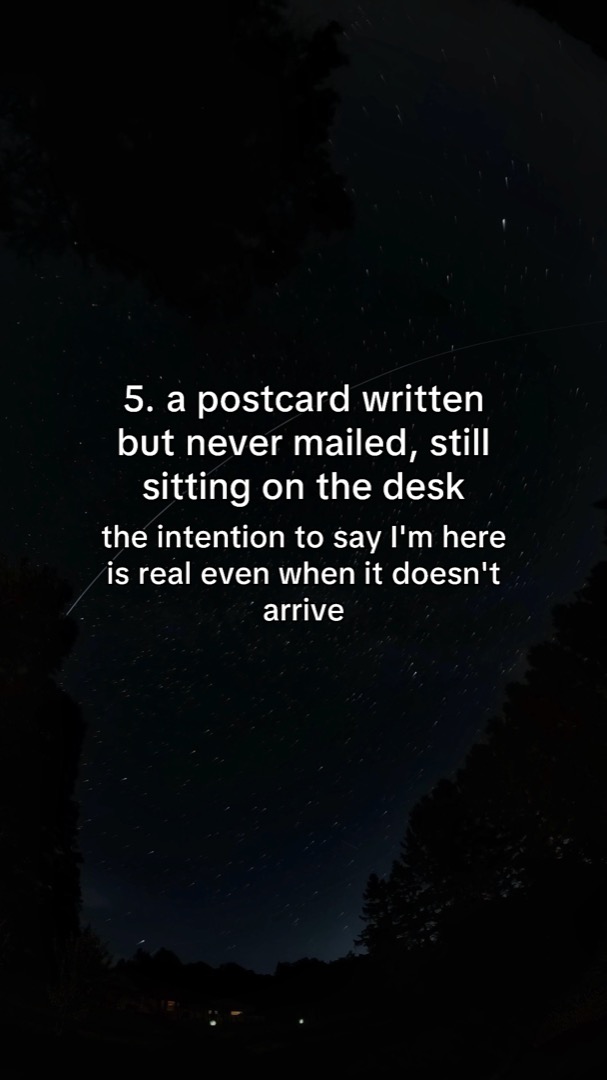
Use this to inspect the complete layout, not as a reason to choose six cards for every song. Your sequence should be as long as its promise needs.
Where AmpClip helps
You can make the first post directly in TikTok. If the repeated work is finding song-relevant ideas and preparing the cards, AmpClip helps turn a track into editable photo-post ideas, slides and captions. Review the material, then use the supported delivery flow and choose the exact recording in TikTok.
For a free start, the Hook Explorer lets you adapt and export a complete written script. The Side Streets example above came from that editing workflow. Script editing is free; song-specific photo preparation belongs to the product and its existing card-required trial. If the words and pictures still have no shared point of view, return to the opening sentence in your storyboard and write what the next cards will give the reader.
After publishing, record the post link, date, recording, premise and the time it took to make. Choose an observation point and compare later posts at the same age. Read song questions and comments alongside available saves, shares and views. Change one meaningful part of the next treatment; a different total alone cannot tell you which creative choice caused it.
Next steps
- Use the Photo Mode guide to compare formats and full examples.
- Use the slideshow workshop to develop the audience and creative angle.
- Use the theme-page setup guide when you need a distinct account voice; you can also make no-camera posts on your existing artist account.
- Plan further treatments with the social-content ideas. Define the deliverable and spending cap before buying production or paid reach.